
秒开,安装包 1 MB 级,界面干净得只剩你的文档。完全离线——你的文件不离开你的电脑。 Opens instantly, weighs about 1 MB, and keeps the interface quiet so your document can speak. Fully offline — your files never leave your Mac.
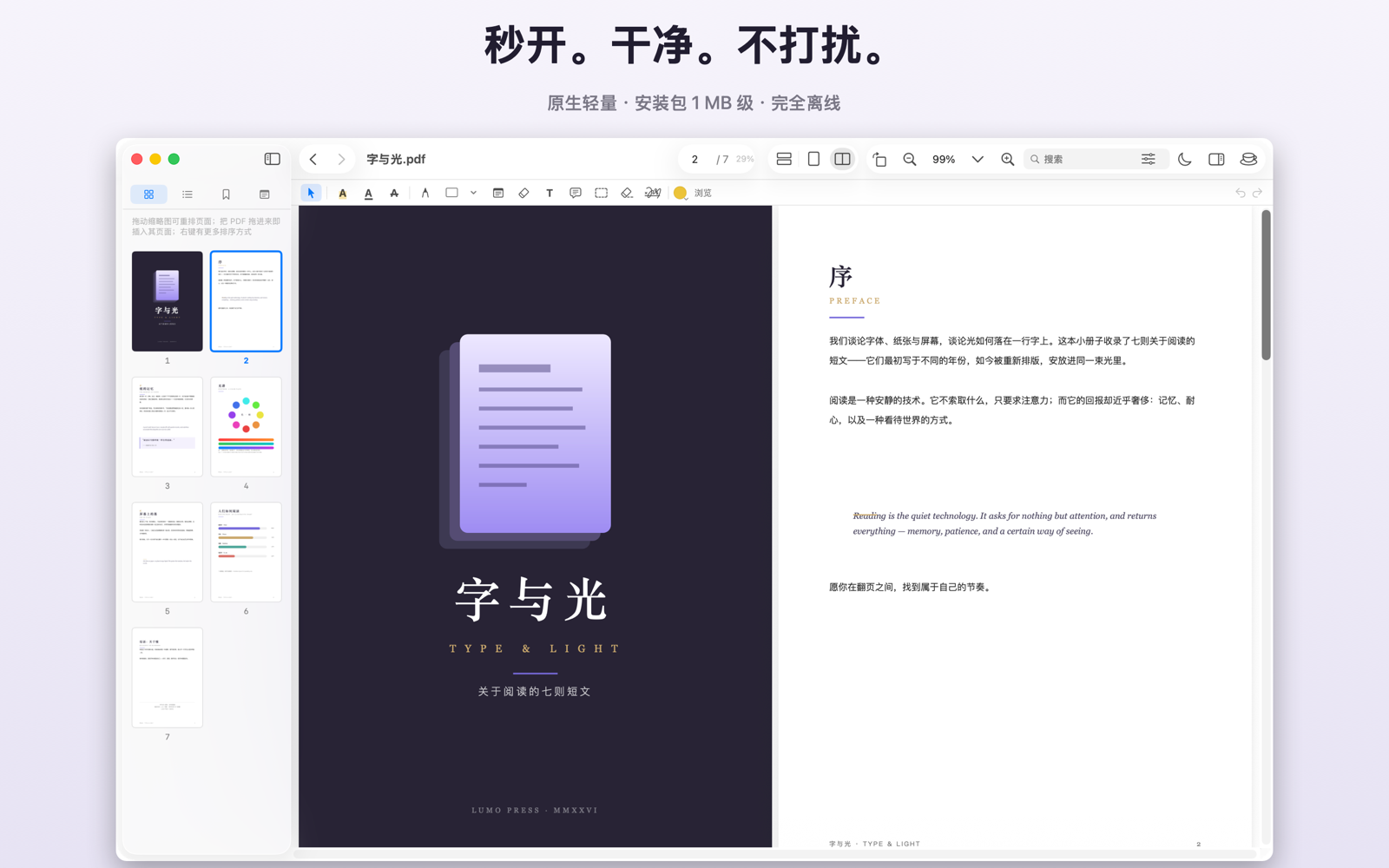
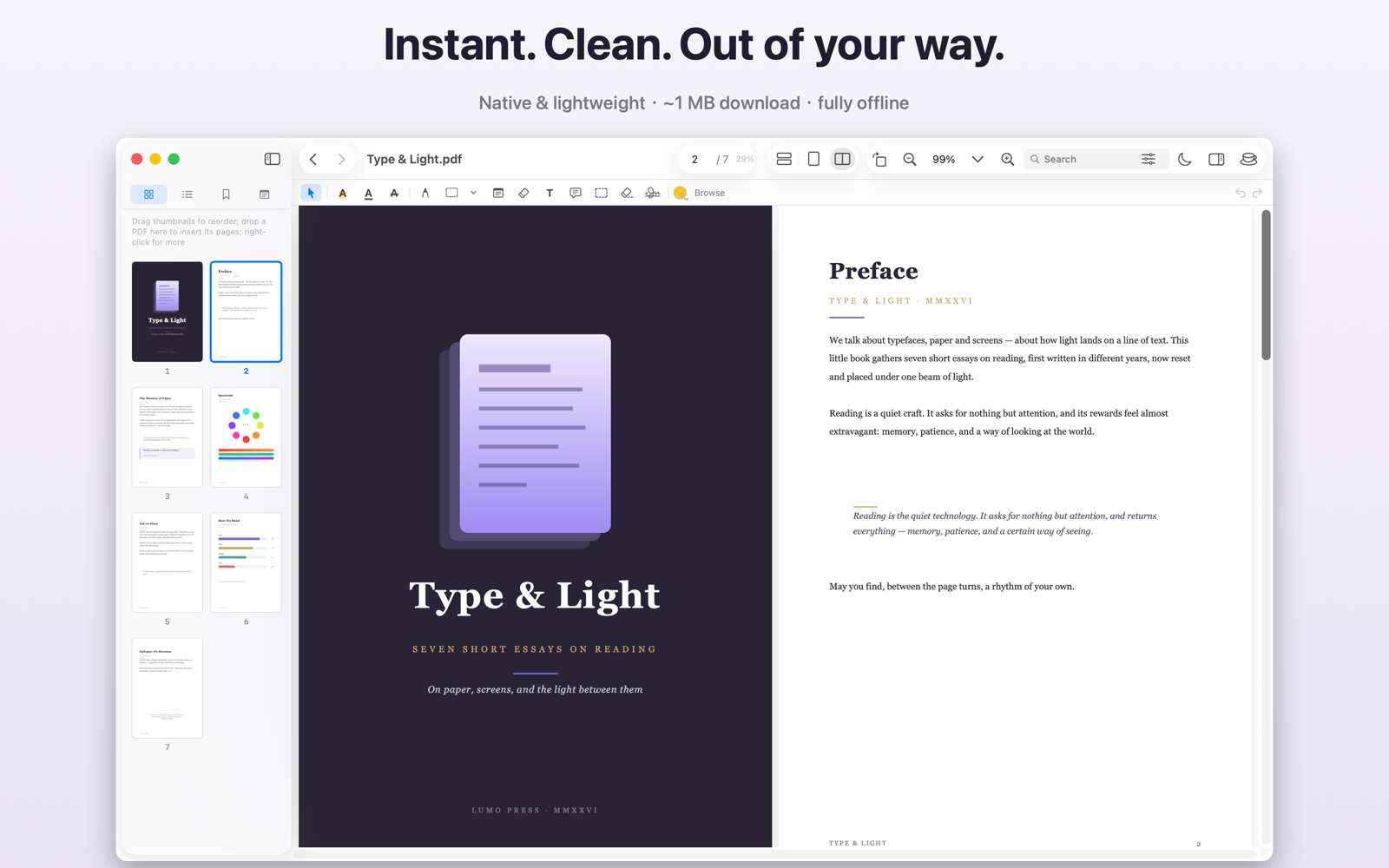
阅读、表单、打印——不设时限,不弹订阅。 Reading, forms and printing — no trial clock, no subscription nags.
500 页大文档照样顺滑滚动,冷启动不到一秒。Smooth scrolling even at 500 pages; cold start under a second.
日间 / 夜间 / 纸色 / 豆沙绿护眼。夜间只反转纸色,图表颜色完好如初。Day / Night / Sepia / Soft Green. Night mode inverts the paper, not your charts.
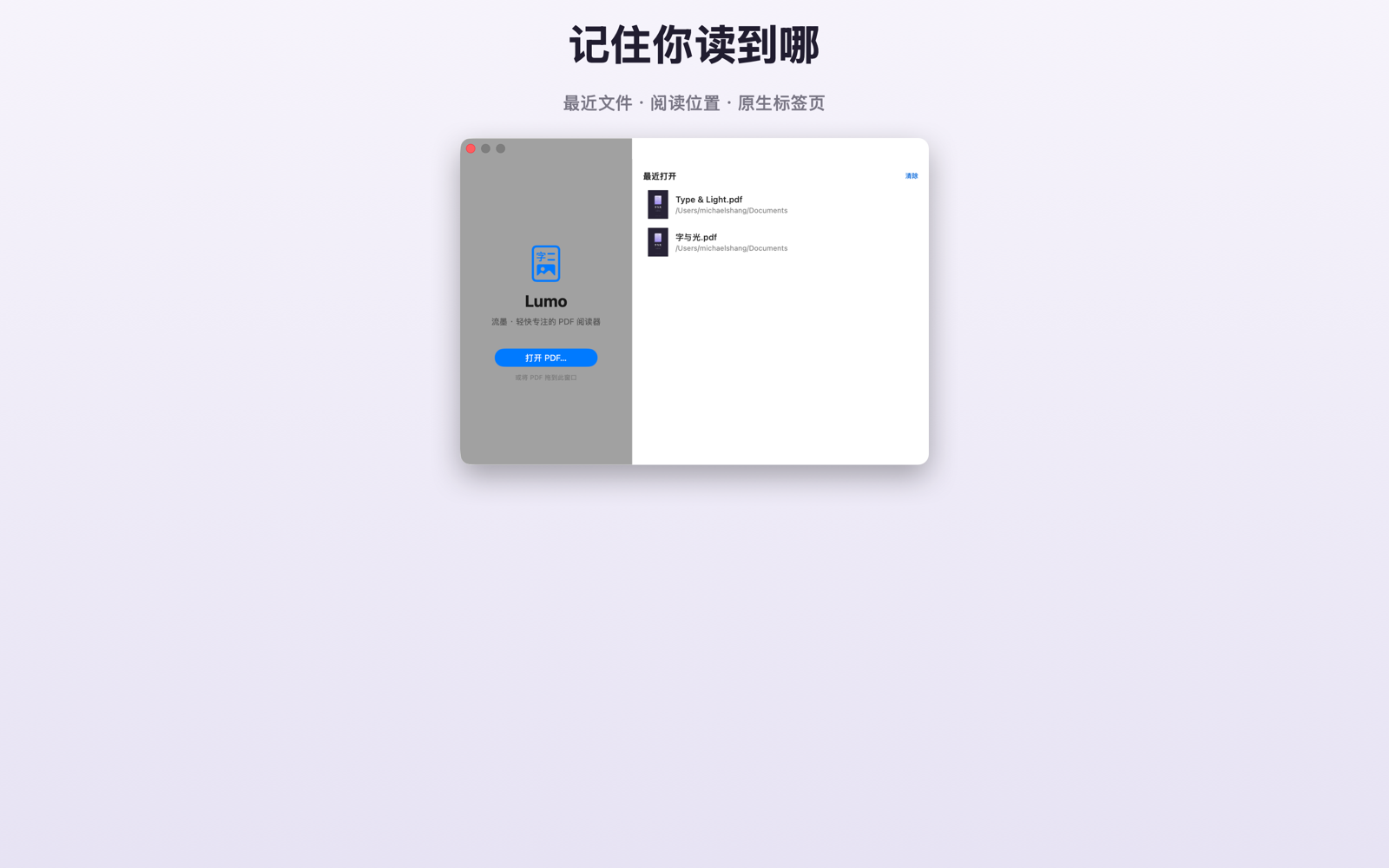
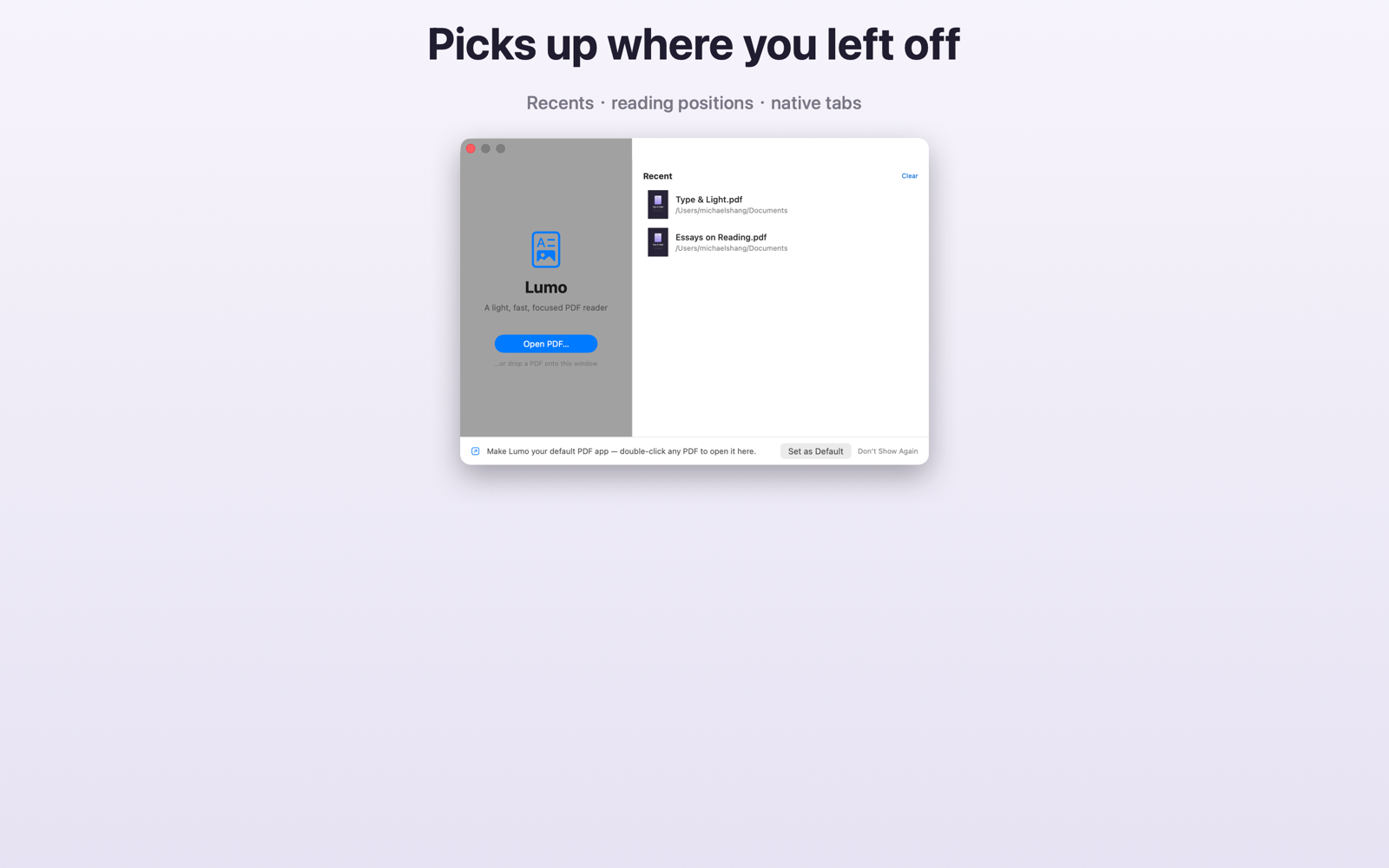
每份文件的位置、缩放、滚动方向都记得,重开就在那一行。Position, zoom and scroll direction remembered per file.
简繁通搜——输简体也能命中繁体书;全角半角一视同仁。Match Simplified and Traditional together; full-width and half-width alike.
自动滚动、阅读进度、按 PDF 自带页码跳转、保持屏幕唤醒。Auto-scroll, reading progress, jump by the PDF's own page labels, keep-awake.
⌃⌘D 查词、朗读选中文字、⌥⌘C 复制自动去掉中文硬换行——全在本机完成。Look up, speak selection, and copy without hard line breaks — all done locally.
表单填写、加密 PDF 解锁、演示模式、中英双语界面。Form filling, encrypted PDFs, presentation mode, English & Chinese UI.
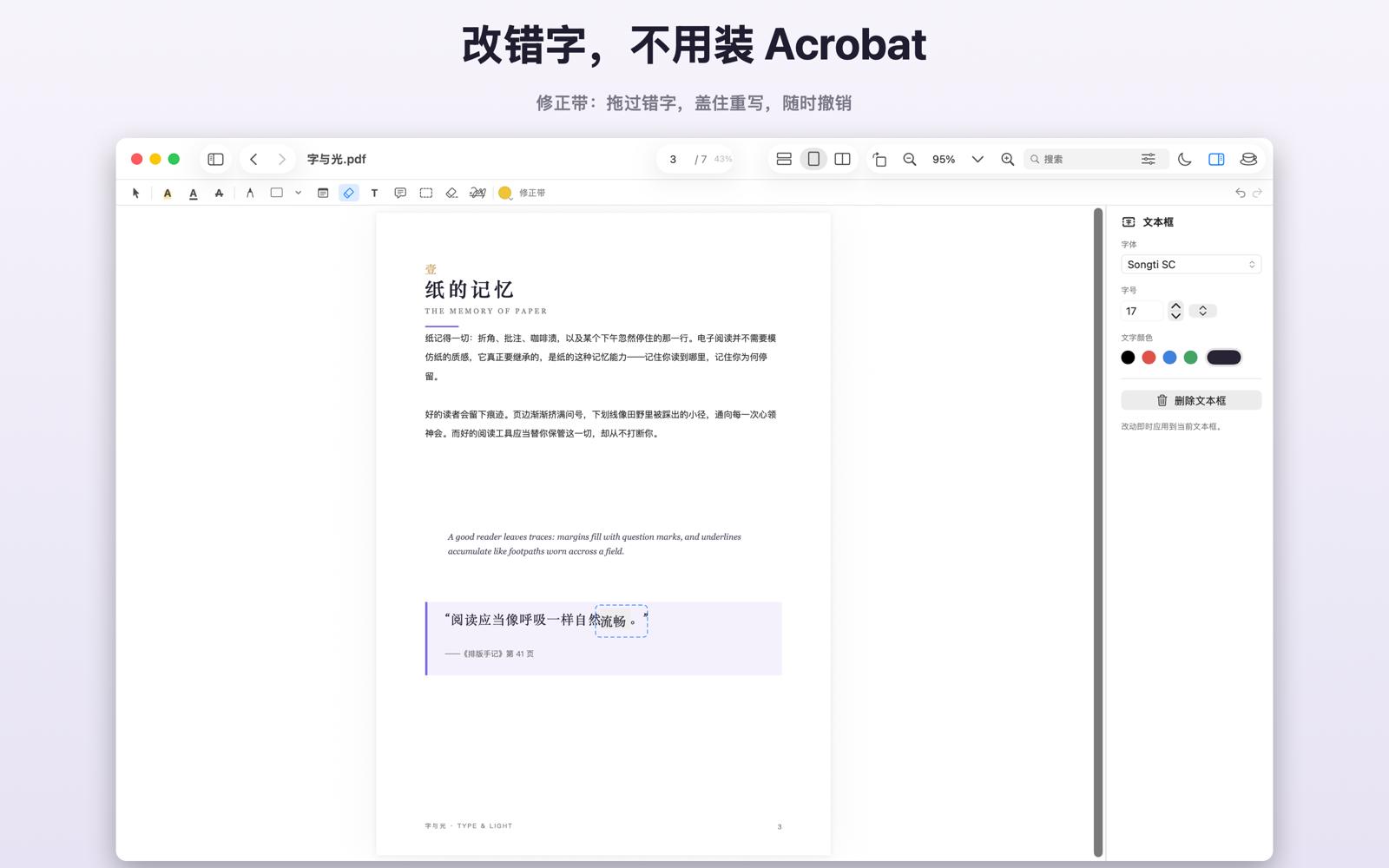
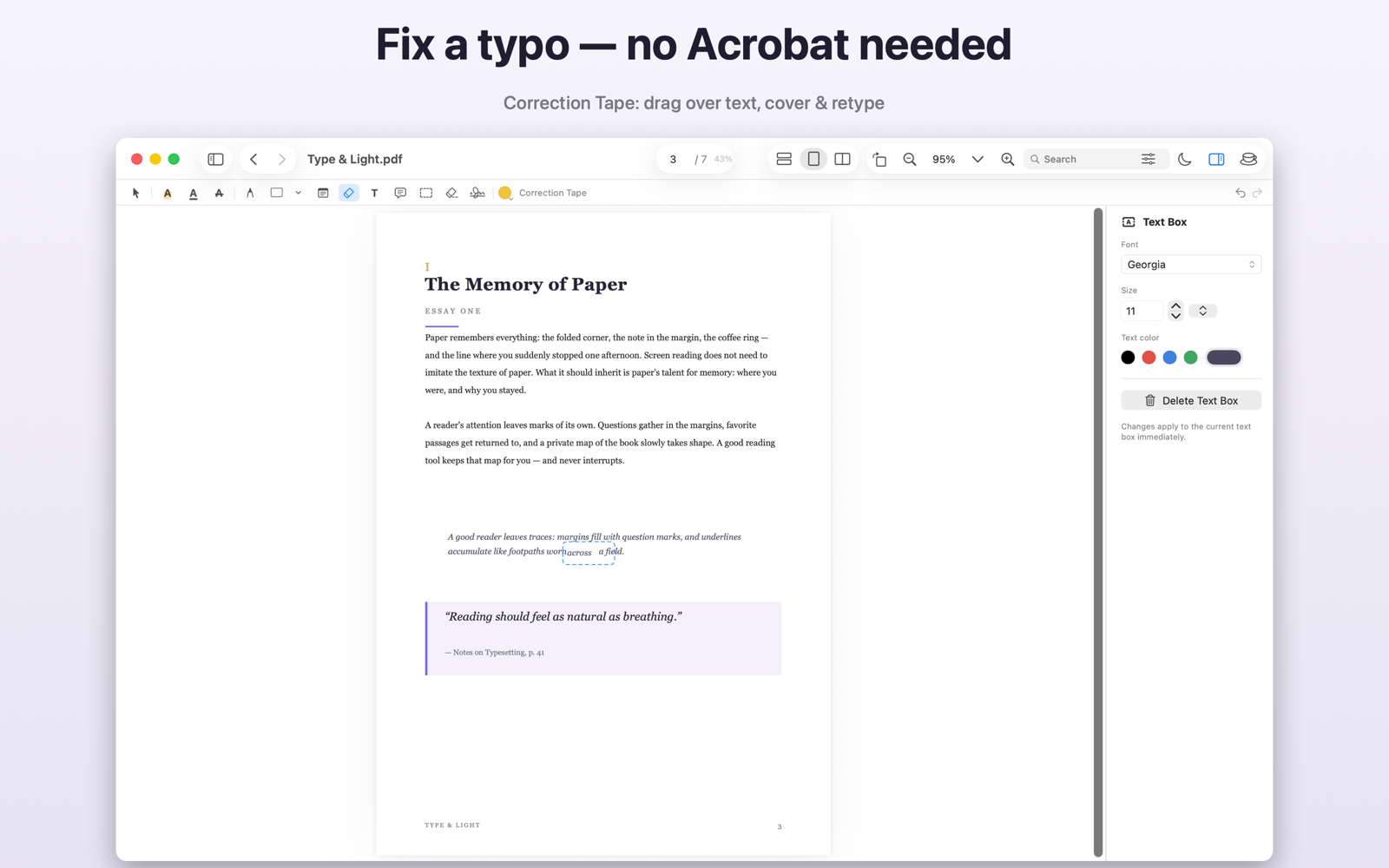
像纸上的修正带一样:拖过要改的字,盖住原文直接打新字,字体、字号、颜色自动匹配。随时撤销,任何阅读器可见。 Just like paper: drag over the text, it gets covered, type the correction. Font, size and color match automatically. Undoable, visible in any reader.
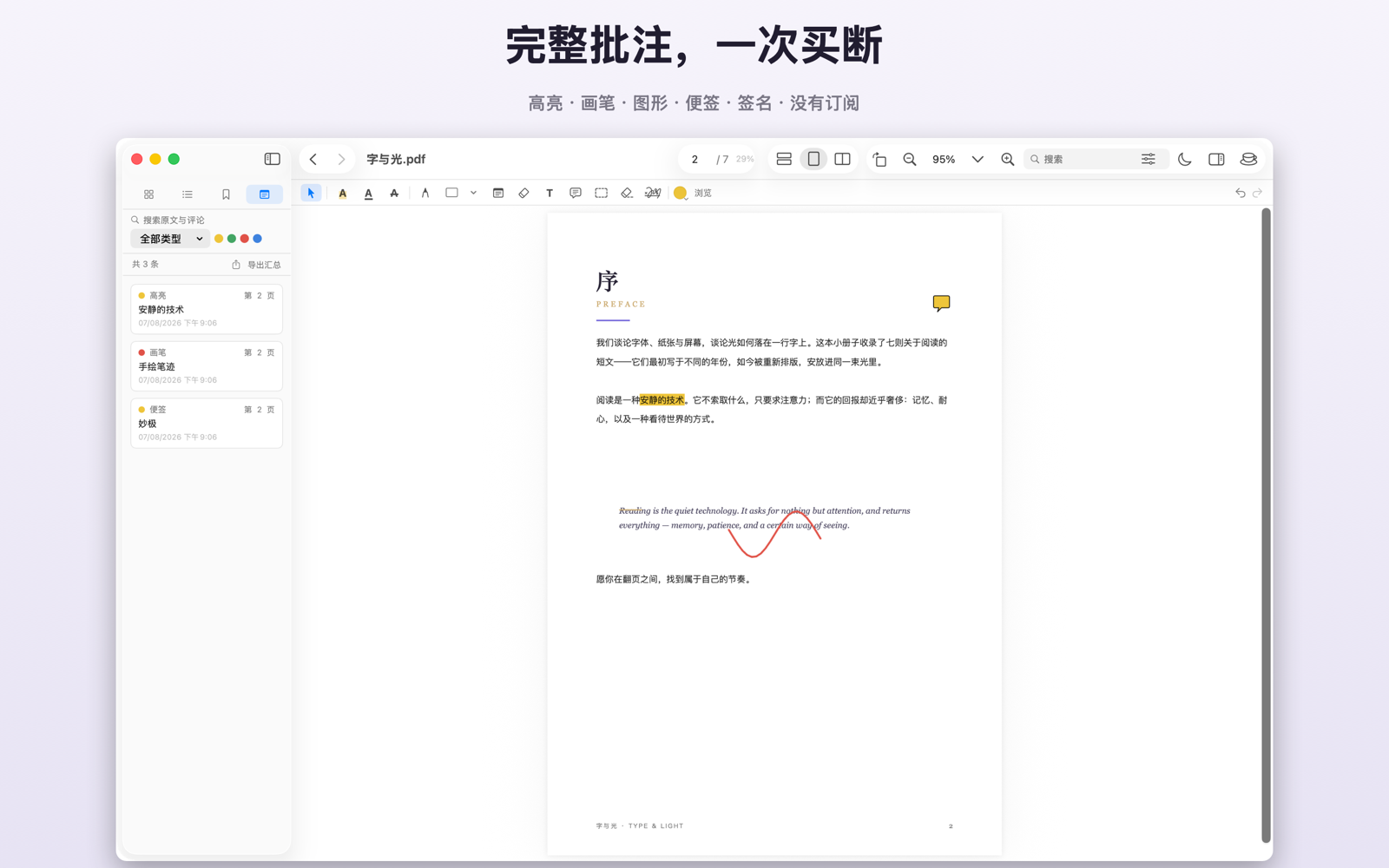
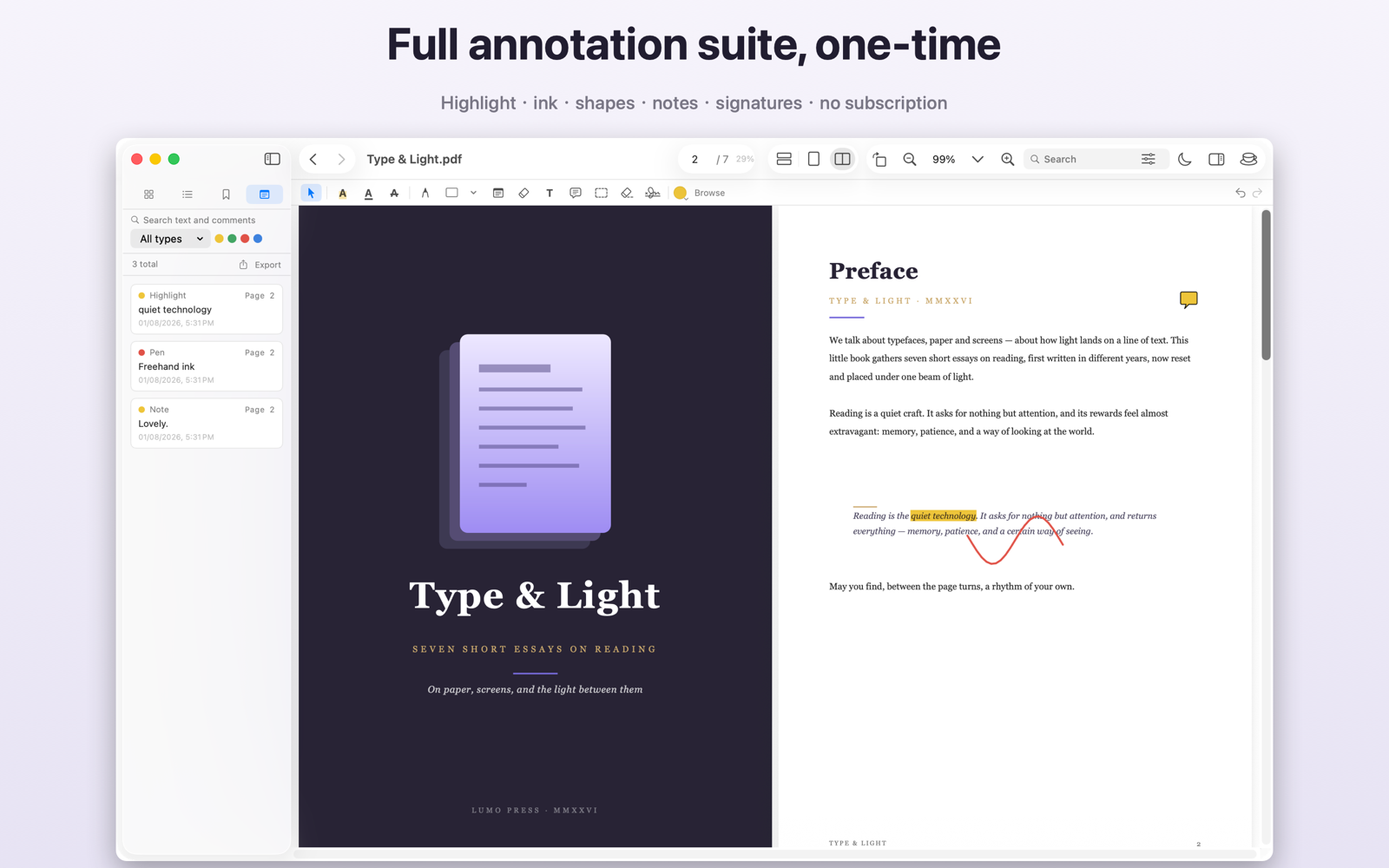
高亮、画笔、图形、便签、手写签名与印章导入;读完一键把全书批注导出成按章节分组的 Markdown 笔记,自动带上被标注的原文。 Highlights, ink, shapes, notes, hand-drawn signatures and imported seals. Export every annotation to a chapter-grouped Markdown summary with the highlighted text included.
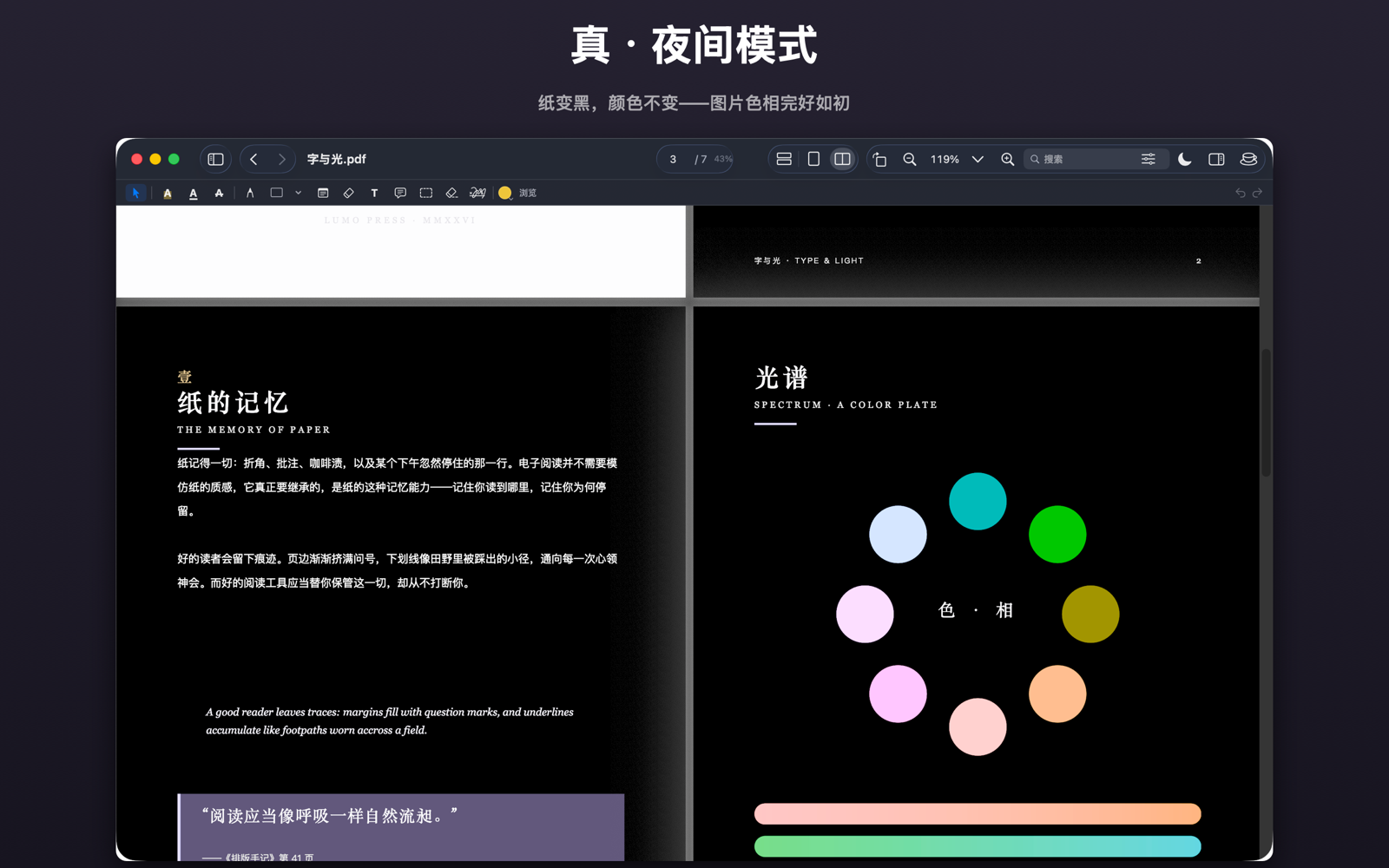
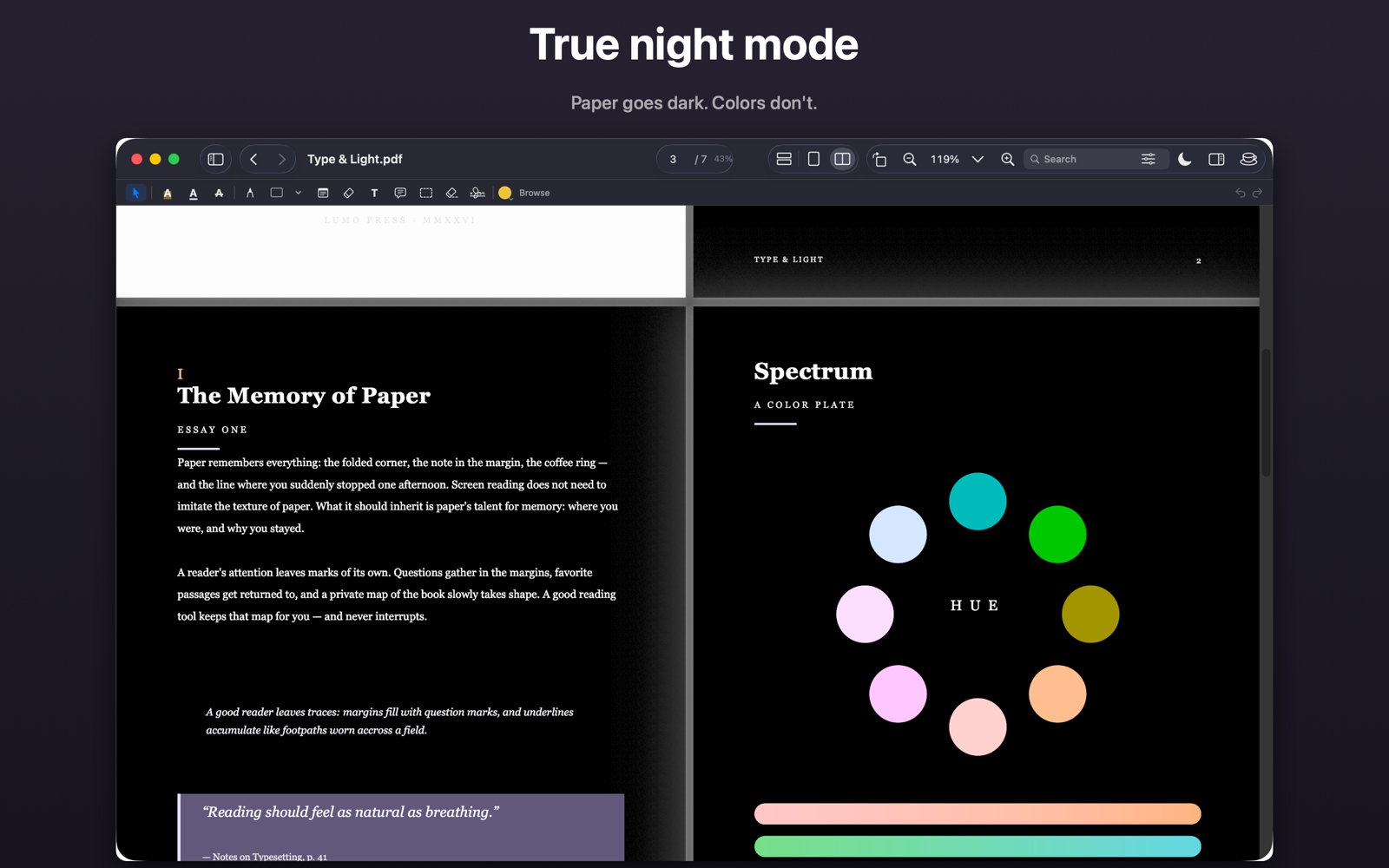
夜间模式在渲染层反转纸色并保持图片色相——图表还是图表的颜色。另有豆沙绿护眼主题。 Night mode inverts at the rendering layer while keeping image hues — your charts stay their own colors. A soft-green theme is included too.
签完字、改完错字,一键展平副本——批注与签名烧进页面,对方删不掉、挪不动。 几十 MB 的扫描件可压缩到能过邮箱附件;要发敏感文件就加密另存,设个打开密码顺带勾掉复制与打印。 整页可存 PNG/JPEG,也可以直接走系统「共享」发出去。 Signed and corrected? Save a flattened copy — annotations and signatures are burned into the page, so no one can move or delete them. Oversized scans compress down to something email will accept. Sending something sensitive? Save an encrypted copy with an open password and permissions. Pages export as PNG/JPEG, or go straight out through the system Share menu.
没有订阅。v1.x 免费更新。No subscription. Free updates throughout 1.x.
无账号、无遥测、无 AI。应用不申请网络权限,文件不离开你的电脑。 No account, no telemetry, no AI. The app requests no network access at all.
不做臃肿的编辑器,不动你的原文。Never a bloated editor. Your original text is never touched.
免费下载。Pro 为一次性内购,非订阅。 Free download. Pro is a one-time in-app purchase, not a subscription.
macOS 14 及以上 · Apple Silicon 与 Intel macOS 14 or later · Apple Silicon & Intel
免费下载 + 内购解锁 Pro,更新由商店托管。 Free download with in-app Pro unlock, updates via the store.
上架流程进行中 · 即将开放In review — coming soon签名公证版将在此提供,完全离线安装。 The notarized build will be offered here, fully offline install.
公证准备中Notarization pending